


Website Template
Below are two ways to integrate Sunbit onto your website and digital flows:
For single locations ›
Add a dedicated Sunbit page on your office’s website to introduce flexible payment options and embed your Pre-qualification page.
For groups with multiple locations ›
Add a Sunbit page to your group website that includes a dropdown practice selector. This allows patients to choose their location and be directed to the correct Pre-qualification page.
Add to your appointments page ›
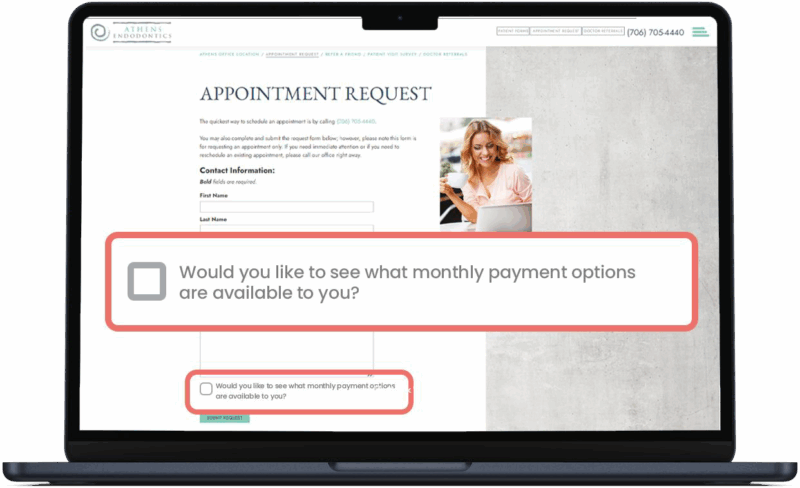
Add a simple question to your appointment request form and link to your Pre-qualification page.
Web – Single Practice
To add your office’s custom pre-qualification page to your website, follow the directions below.
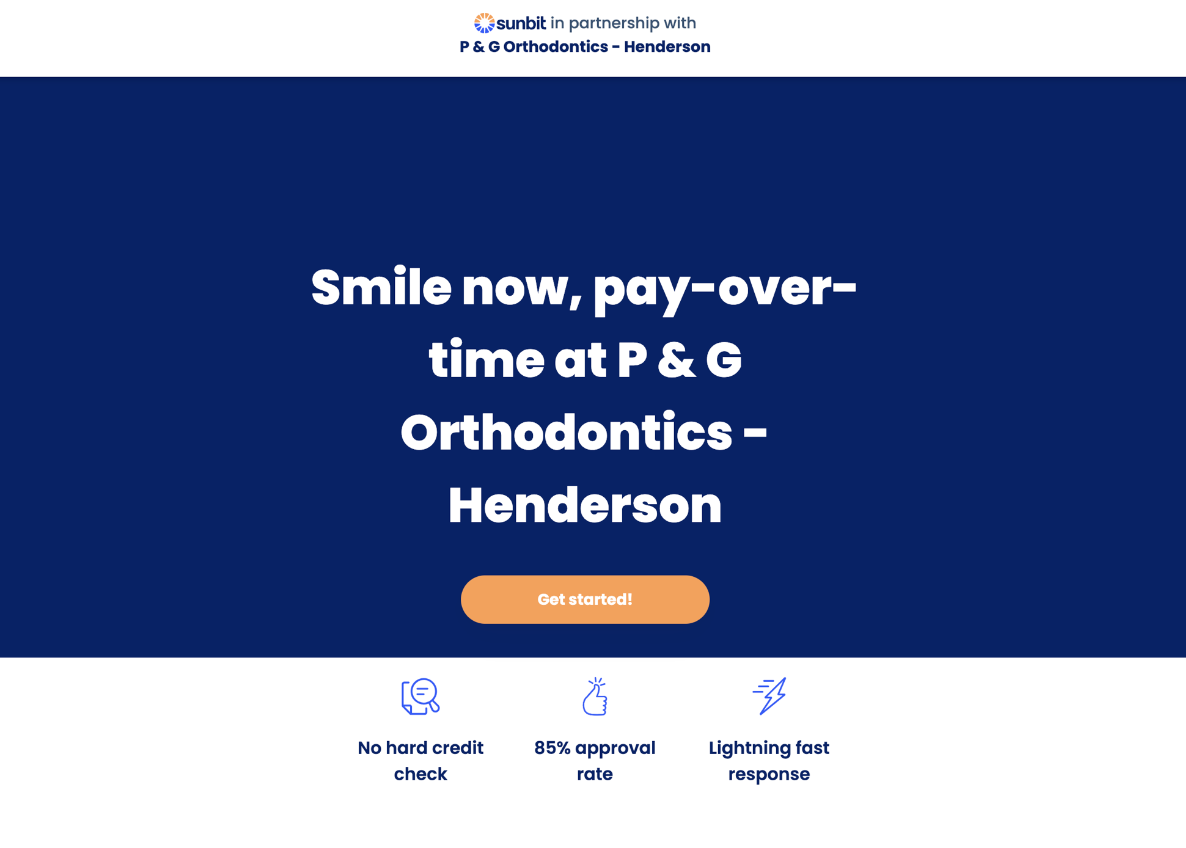
Click to view Single Practice Iframe Code
<!-- ============================================ -->
<!-- SUNBIT SINGLE PRACTICE IFRAME -->
<!-- UPDATE: Replace STORE_NAME_1 in the src URL with your practice's Sunbit URL slug -->
<!-- Example: src="https://apply.sunbit.com/PGOrthodontics-Henderson" -->
<!-- ============================================ -->

<iframe
  style="height:1080px;width:100%"
  src="https://apply.sunbit.com/STORE_NAME_1"
  title="Sunbit smile now, pay over time"
  class="border-0 overflow-hidden">
</iframe>
- Replace your unique pre-qualification link in the script above: src=”https://apply.sunbit.com/STORE_NAME“
- Share the iframe script with your web team and ask them to:
- Create a new webpage and insert this script.
- Add a button on the home page menu called ‘Smile now, pay over time’ that links to a new page.
- Add attached digital banners from the media library
Web – Multiple Practice
If your organization includes multiple practices, we recommend adding the below script and following the below directions to a group landing page with a dropdown menu for each location.
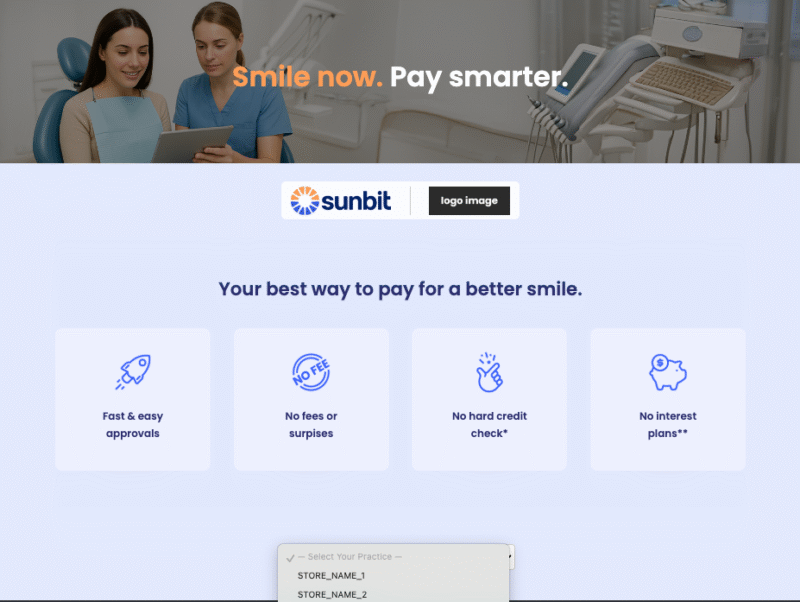
Click to view Multi-Practice Landing Page HTML Code
Smile now.
Pay smarter.


Your best way to pay for a better smile.

Fast & easy
approvals

No fees or
surprises

No hard credit
check*

No interest
plans**
- Create a new webpage in your website’s HTML-friendly CMS or editor.
- Paste the iframe script into the body of that page.
- Paste the code into any HTML-friendly CMS or editor.
- Replace all placeholder text in the PRACTICE LOCATION DROPDOWN section of the code:
- src=”https://apply.sunbit.com/STORE_NAME_1″ with each store’s unique Pre-qualification Link.
- STORE_NAME_1 with the display name for each practice.
- Add as many stores as needed – there’s no limit.
- Add a navigation button to your homepage menu titled: “Smile now. Pay smarter.” – and link it to the new landing page.
- Upload and display digital banners (provided in the media library) to promote the program and increase visibility.
Appointments Page
On the appointments form, add a question that asks:
‘Would you like to see what monthly payment options are available to you?”